


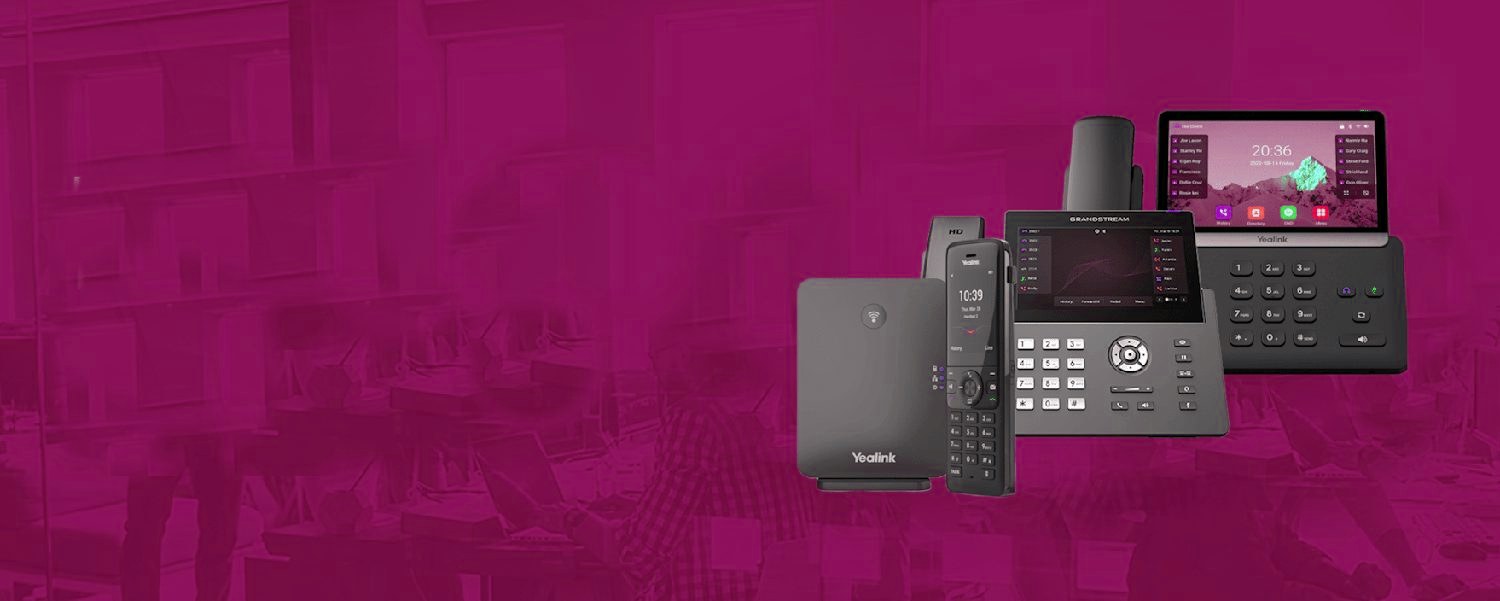
From the first ring to the recording.
The same cloud phone system routes every call the way your business works, then keeps a record of it.
How to use this library
Phone system brochures list features like trophies; buyers need something different — what each one does on a Tuesday, who it's for, and whether it should cost extra (spoiler: most shouldn't). Every card below opens a plain-English page: the practical job, the setup details that matter, and honest FAQs. If you're specifying a new system, the shortcut is our buyer's guide; if you're comparing us against a quote you've received, check which of these features that quote itemises as paid add-ons — it's the fastest tell of how a provider treats customers.
Related: Business Phone Systems · Hosted VoIP · Buyer's guide · Savings calculator
Every seat, fully loaded.
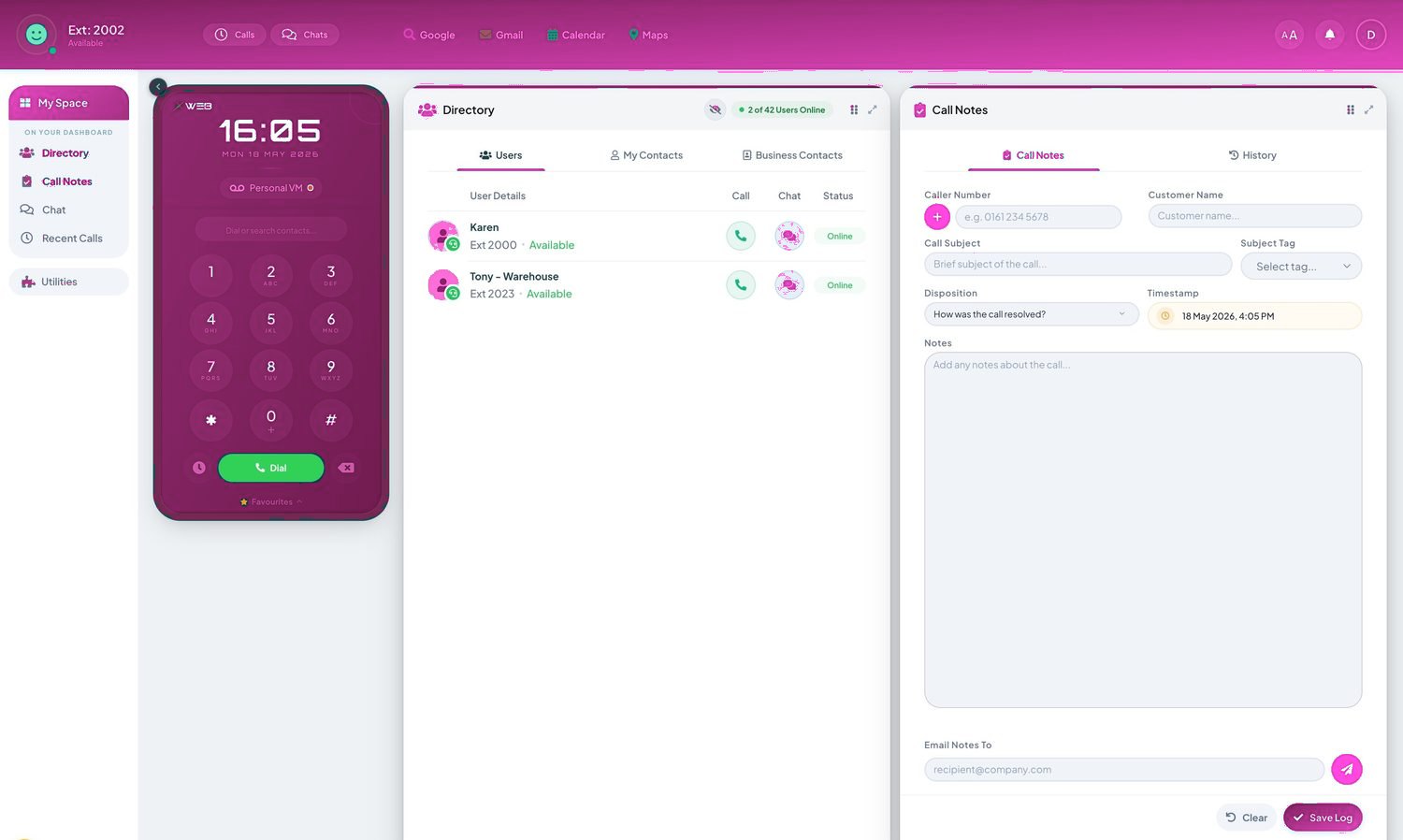
- Call recording, the Telexico Mobile App and Telexico Web UC included
- Handsets pre-provisioned and shipped ready to plug in
- Moves, adds and changes from the portal, no engineer visit
How to shortlist features without overbuying
Here's the uncomfortable truth about phone system features: most businesses pay for a longer list than they use, and the features that would actually change their week are frequently not on it. Sales quotes are built to look generous. This library exists so you can walk into that conversation already knowing what each feature does, who it's for, and — just as usefully — who it isn't for.
A sensible shortlist has three tiers. The first tier is near-universal: voicemail to email, mobile and desktop apps, professional hold audio, time conditions for open and closed hours, and holiday routing so bank holidays don't ambush you. If a quote is missing any of these, ask why. They cost the provider almost nothing and you'll use them within the first month.
The second tier depends entirely on the shape of your team. If more than one person answers the same calls, you want hunt groups or call queues — and knowing which of those two you need is worth five minutes on each page, because they solve different problems. If you have a front desk, look at the reception console and busy lamp field. If calls are commercially sensitive or regulated, call recording stops being optional. If you manage people who live on the phone, call reporting and call analytics will tell you things gut feeling has been getting wrong for years.
The third tier is where overbuying happens: wallboards, whisper, monitoring, full IVR trees. These are excellent features for the businesses they fit — sales floors, support desks, contact centres — and shelf-ware for everyone else. Our honest advice is the same in every quote: start with tiers one and two, run for a quarter, and add the rest when your call reports prove you need it. Features can be switched on in minutes; paying for unused ones lasts the whole contract.
One more thing worth knowing: on a modern cloud system, almost everything in this library is configuration, not hardware. That changes the buying logic completely. You're not committing to a box with a fixed feature set — you're choosing what to switch on this month. Which means the right question isn't "what might we ever need?" but "what do we need now?" — a much cheaper question to answer.
Every seat, fully loaded.
Frequently asked questions
Are these features included or extra?
On our cloud systems the large majority are included as standard — recording storage tiers, wallboards and advanced analytics are the honest add-ons. Every page states which.
Do small businesses need all of this?
No — and the pages say who each feature is for. A three-person firm needs perhaps six of these done well, not forty done badly.
Can features be added later?
Yes — cloud systems switch features on per user in minutes. Start right-sized; grow by toggle, not by forklift.