


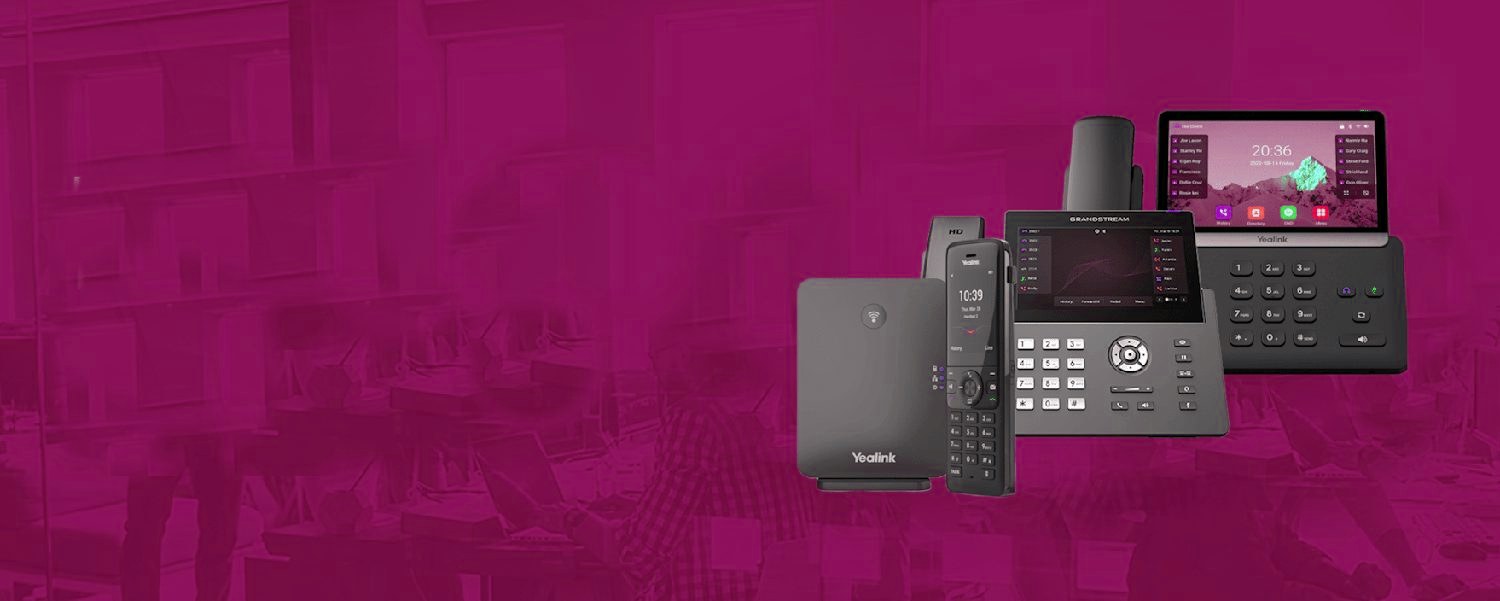
From the first ring to the recording.
The same cloud phone system routes every call the way your business works, then keeps a record of it.
The problem it quietly kills
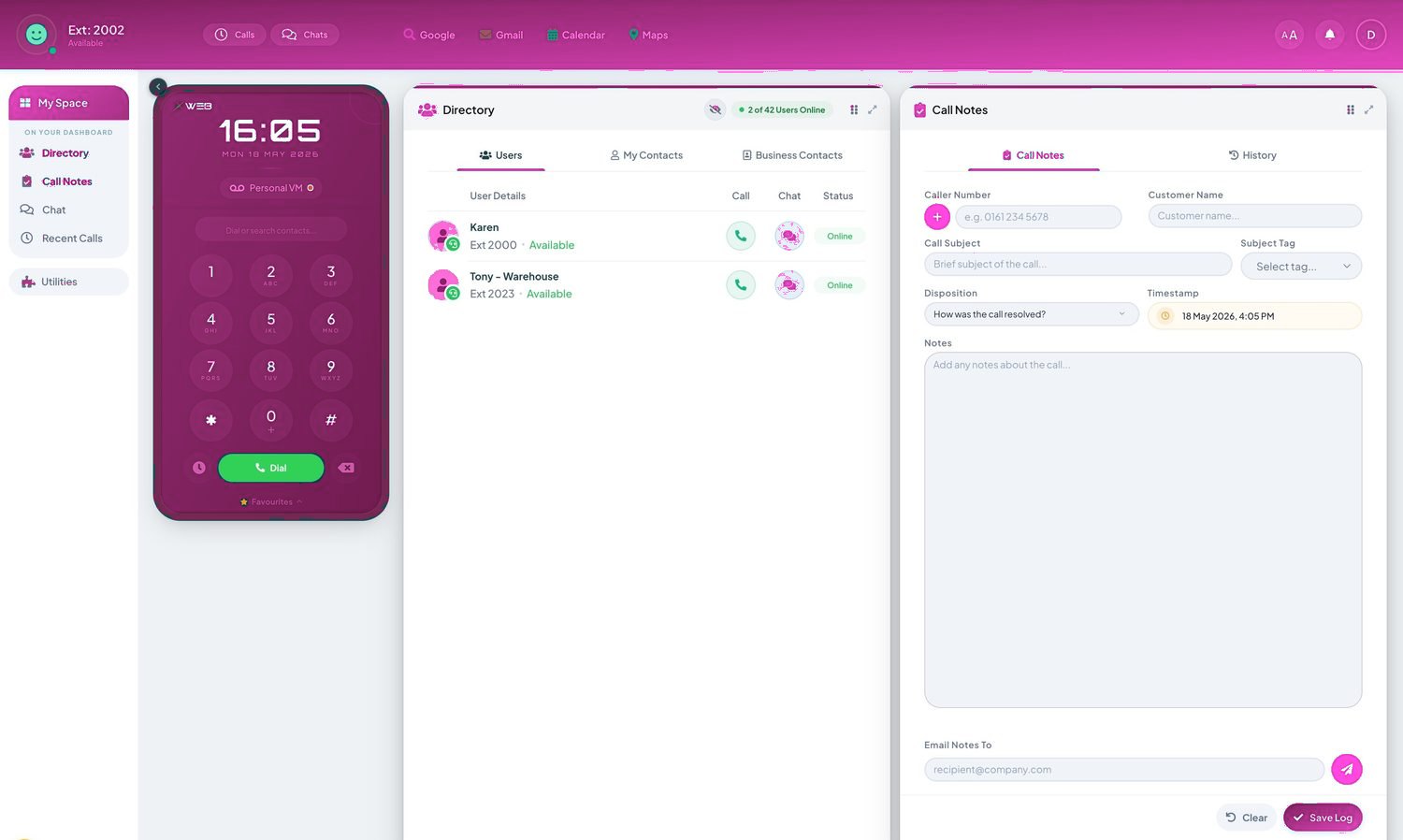
Every office knows transfer roulette: put the caller through, it rings out, they bounce back annoyed, repeat. Presence ends it — before transferring, you can see Amy is on a call and Ben is free, so the caller goes to Ben first time. The dots live everywhere: handset busy lamp keys, the mobile and desktop apps, and the reception console where a front desk sees the whole company at a glance. Hybrid teams feel it most — presence doesn't care whether Ben is upstairs or at home.
Presence that syncs properly
The elite version syncs across systems: on a Teams meeting shows busy on the phone system; on a desk-phone call shows busy in Teams; calendar integration flips you to 'in a meeting' automatically. Statuses can carry notes — 'back at 2', 'with a customer' — so reception answers questions without asking them. It's included on our cloud systems and, like most good telephony, invisible when working: callers just notice they always seem to reach the right person first time.
Every seat, fully loaded.
- Call recording, the Telexico Mobile App and Telexico Web UC included
- Handsets pre-provisioned and shipped ready to plug in
- Moves, adds and changes from the portal, no engineer visit
Related: Business Phone Systems (pillar) · All features · Buyer's guide · Get a quote
Every seat, fully loaded.
Frequently asked questions
Does presence work for home workers?
Perfectly — it's status, not location. Reception sees a home worker's availability exactly as if they were upstairs.
Can it sync with Microsoft Teams and calendars?
Yes — two-way with Teams, and calendar integration sets meeting status automatically.
Can we see presence on physical handsets?
Yes — busy lamp field keys light per colleague on suitable handsets, and the apps and console show everyone.