


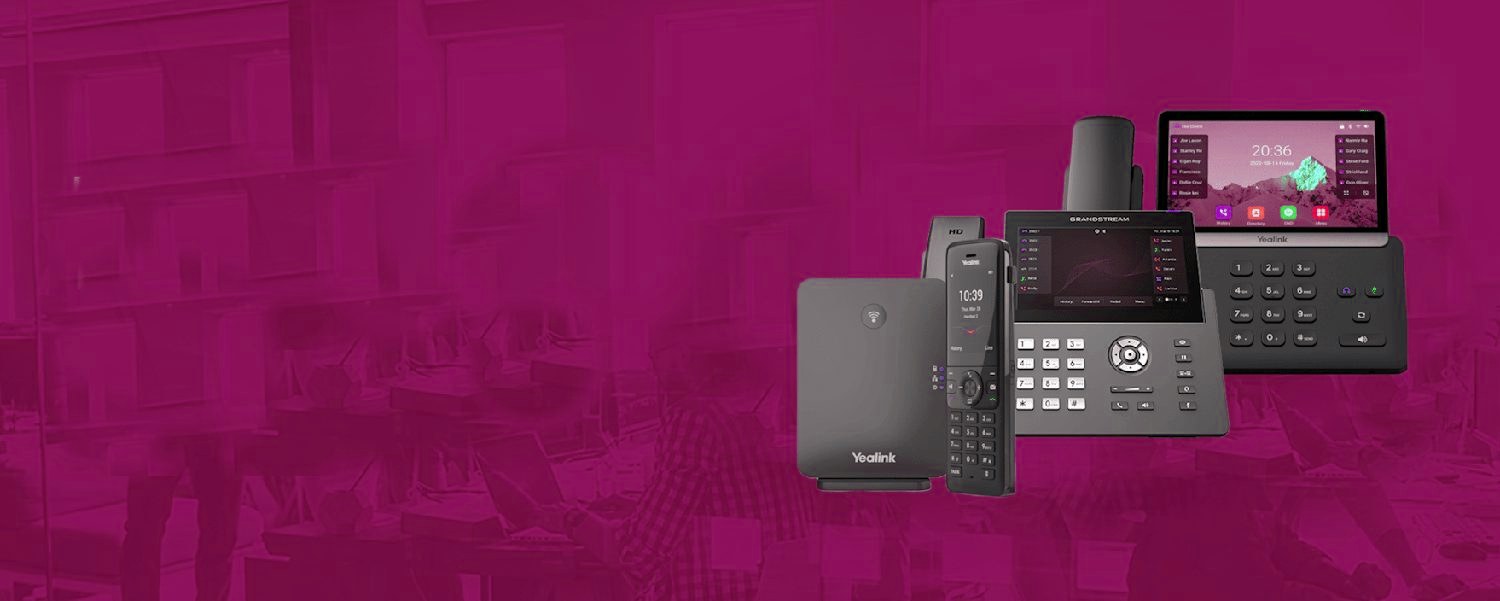
From the first ring to the recording.
The same cloud phone system routes every call the way your business works, then keeps a record of it.
What those keys actually do
On a properly set-up handset, a bank of keys mirrors your team: green = free, red = on a call, flashing = their phone is ringing. One press transfers your caller to a colleague; one press picks up a ringing line at an empty desk; a glance replaces 'is anyone free for this?'. It's presence made physical, and for front desks it's not a feature — it's the workflow: watch any competent receptionist and their fingers live on the BLF keys.
Set up to match how you work
The craft is in the mapping: reception gets everyone; a sales handset gets the sales team plus the manager; nobody gets forty keys of people they never transfer to. Expansion modules add keys for bigger teams, and the same status view lives in the apps and console for screen-first staff. We configure key maps as part of every install — it takes minutes and shapes years of daily use, which is exactly the kind of detail that separates an installed phone system from a delivered box.
Every seat, fully loaded.
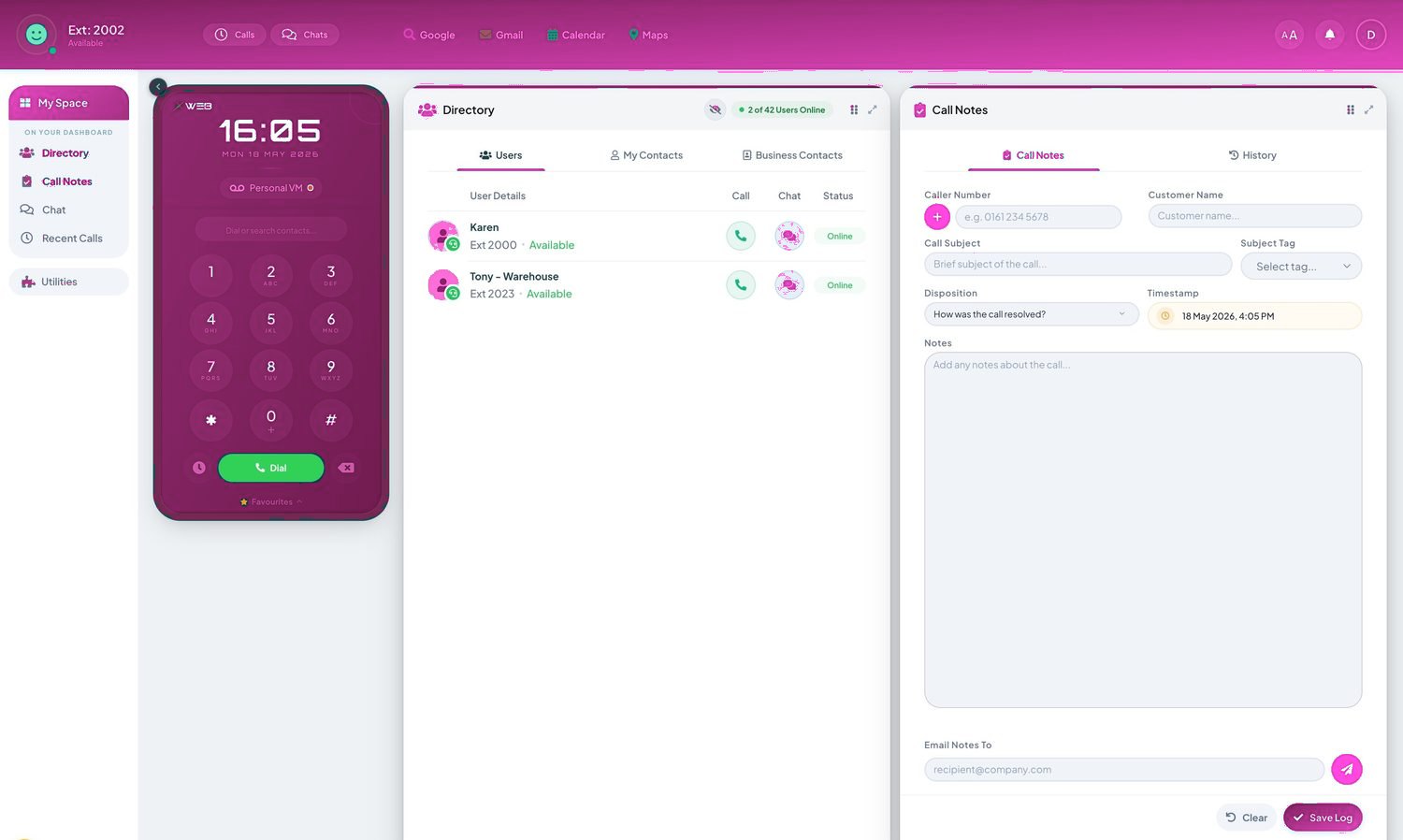
- Call recording, the Telexico Mobile App and Telexico Web UC included
- Handsets pre-provisioned and shipped ready to plug in
- Moves, adds and changes from the portal, no engineer visit
Related: Business Phone Systems (pillar) · All features · Buyer's guide · Get a quote
Every seat, fully loaded.
Frequently asked questions
How many BLF keys can a handset have?
Mainstream handsets carry 8–20 with expansion modules taking busy desks past 50. We map them to real transfer patterns, not the whole directory.
Can I pick up a colleague's ringing phone?
Yes — directed pickup from the flashing key. The 'phone ringing at an empty desk' problem, solved with one press.
Does BLF work for home workers' status?
Yes — the lamp shows real system status wherever the colleague is. Office reception sees a home worker's availability identically.