


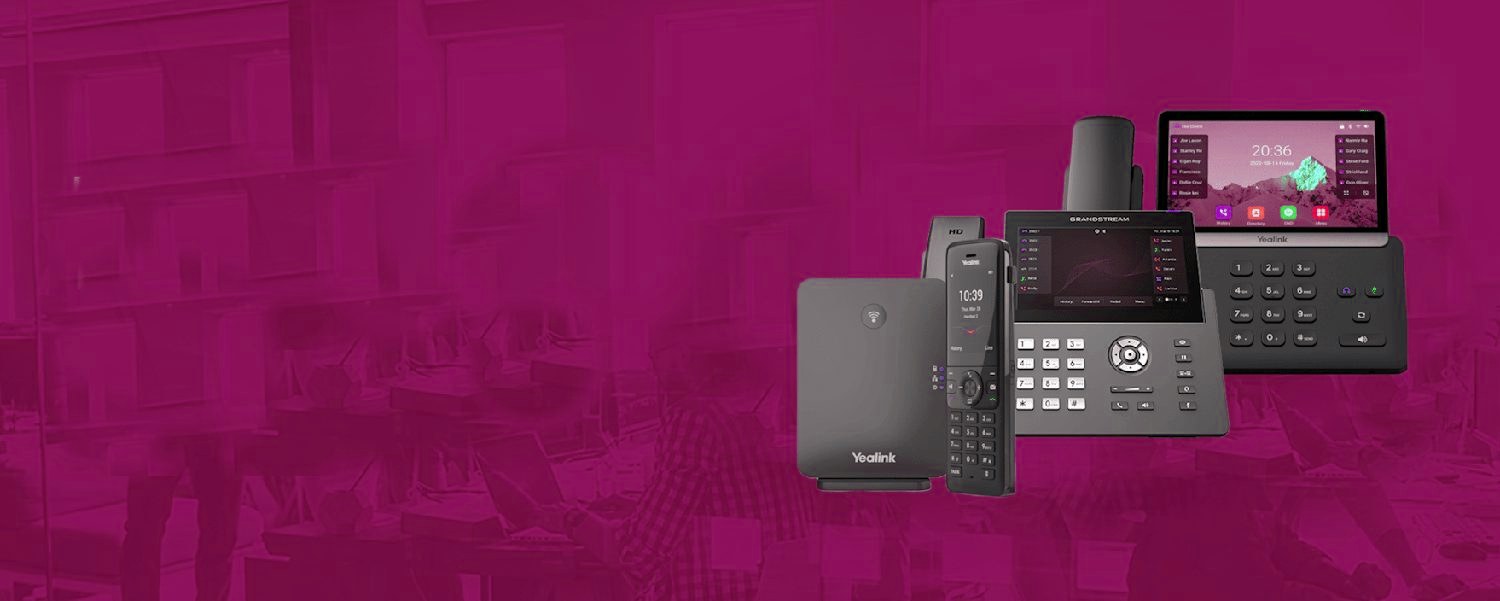
From the first ring to the recording.
The same cloud phone system routes every call the way your business works, then keeps a record of it.
Everything on one screen
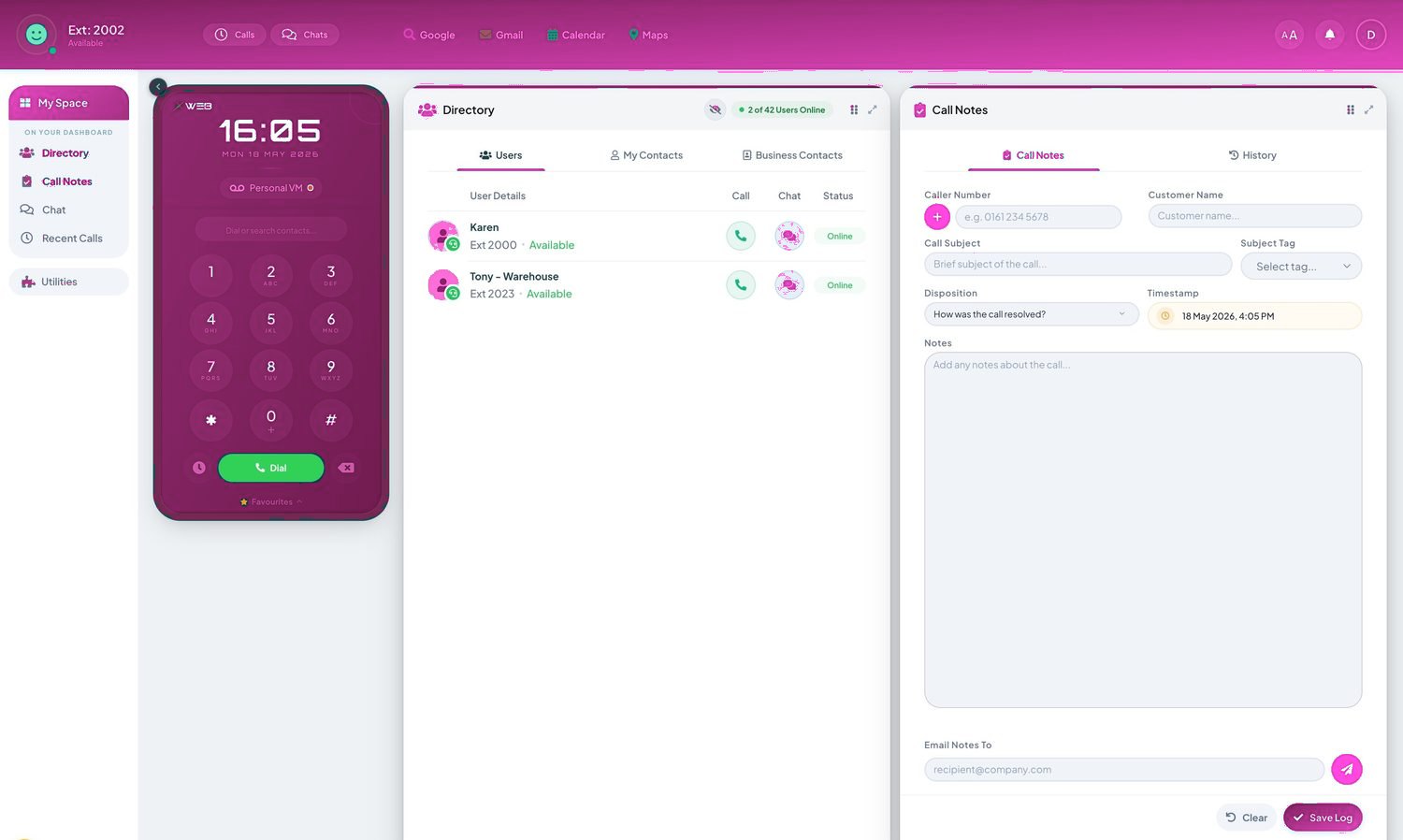
Incoming calls, queues and the whole company directory with live status.
Drag-and-drop transfers
Move a call to the right person in one motion — announced or direct.
Call park
Put a call 'on hold in the cloud' and let anyone pick it up from any phone.
Instant directory search
Type three letters, find the person, transfer — even in a 100-person company.
A morning on the console
The easiest way to understand a reception console is to watch one work. It's 9.15 and four calls arrive in ninety seconds. On a traditional handset this is a memory test conducted under pressure: who's waiting, who's for whom, which extension was that transfer? On the console it's a screen: every waiting caller listed with their number and how long they've held, every colleague shown with a live status — on a call, free, away — before any transfer is attempted. The receptionist answers, sees at a glance that the requested person is already on a call, offers a choice rather than a blind transfer, drags the caller to voicemail or a colleague, and takes the next call. No lost callers, no "I'll try putting you through" roulette, no transferring the managing director's key client into an empty office.
That live status view — the busy lamp field, in trade language — is the feature receptionists refuse to give up once they've had it. Blind transfers are the single biggest source of lost callers in small businesses, and the console removes the blindness. Add presence from calendars and apps, and front-of-house can see not just "on the phone" but "in a meeting until three", which changes what they promise callers — and keeping promises to callers is most of what a good reception is.
Who actually needs one? The honest threshold is lower than people assume, but it exists. If one person meaningfully owns incoming calls for a team of eight or more, the console pays for itself in saved callers within weeks. If everyone answers everything and transfers are rare, you don't need it — a well-set hunt group and decent apps serve you better, and we'll say so on the quote. The console also pairs naturally with an AI receptionist handling overflow: the human takes what they can, the AI catches what they can't, and the missed-call rate — which analytics will happily show you — heads towards zero. Front of house stops being the bottleneck and goes back to being the welcome.
Every seat, fully loaded.
- Call recording, the Telexico Mobile App and Telexico Web UC included
- Handsets pre-provisioned and shipped ready to plug in
- Moves, adds and changes from the portal, no engineer visit
Every seat, fully loaded.
Frequently asked questions
Is this only for big companies?
No — any business where one person fields calls for many benefits, from a 5-person office upward.
Can reception see who's already on a call?
Yes — live presence shows free, ringing, on-a-call and do-not-disturb before you transfer.
What if reception is overwhelmed?
Overflow rules back reception up — second answerers, queues, or the AI receptionist catch what front desk can't.
Does it need special hardware?
No — it runs on the reception PC alongside a normal handset or headset.
Want reception console on your phones?
It's included with Telexico cloud phone systems — we'll set it up around how your business works.