


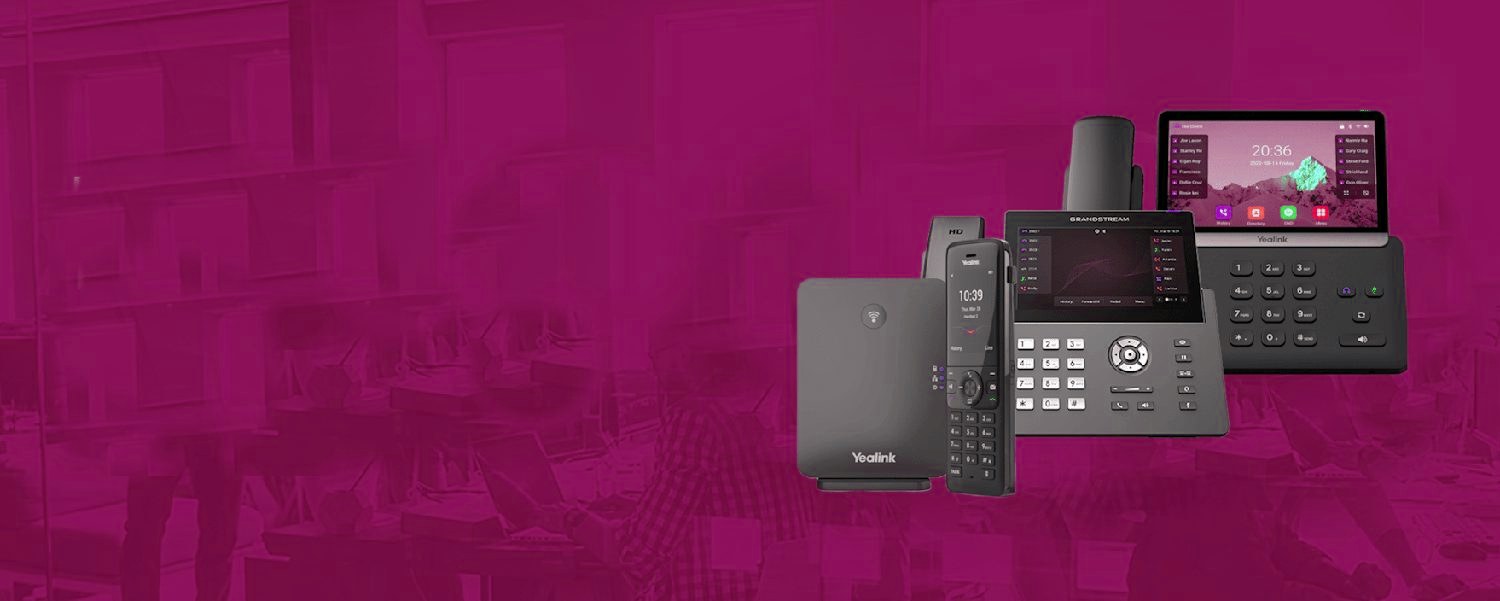
From the first ring to the recording.
The same cloud phone system routes every call the way your business works, then keeps a record of it.
The three levels of integration
Level 1 — click-to-call: keep your phone system, dial from Teams; numbers become clickable, presence stays put. Cheap, quick, often enough. Level 2 — presence sync: your phone system and Teams share who's busy — on a call in Teams shows busy on the desk phone and vice versa, ending the double-call embarrassment. Level 3 — Teams IS the phone system: Teams Phone with proper carrier calling via Operator Connect or Direct Routing — one app for chat, meetings and every call, desk phones optional.
Which level is right
Honest steer: businesses that live in Teams all day and take moderate call volumes are usually happiest at Level 3 — one app, one presence, one bill. Call-heavy front desks and reception-led firms often keep a dedicated cloud system at the front and integrate at Level 1–2, because queue features and handset ergonomics still matter at volume. Mixed estates are normal — reception on the phone system, back office on Teams, one number plan across both. We run all of it, so the advice is about your call profile, not our product list.
Every seat, fully loaded.
- Call recording, the Telexico Mobile App and Telexico Web UC included
- Handsets pre-provisioned and shipped ready to plug in
- Moves, adds and changes from the portal, no engineer visit
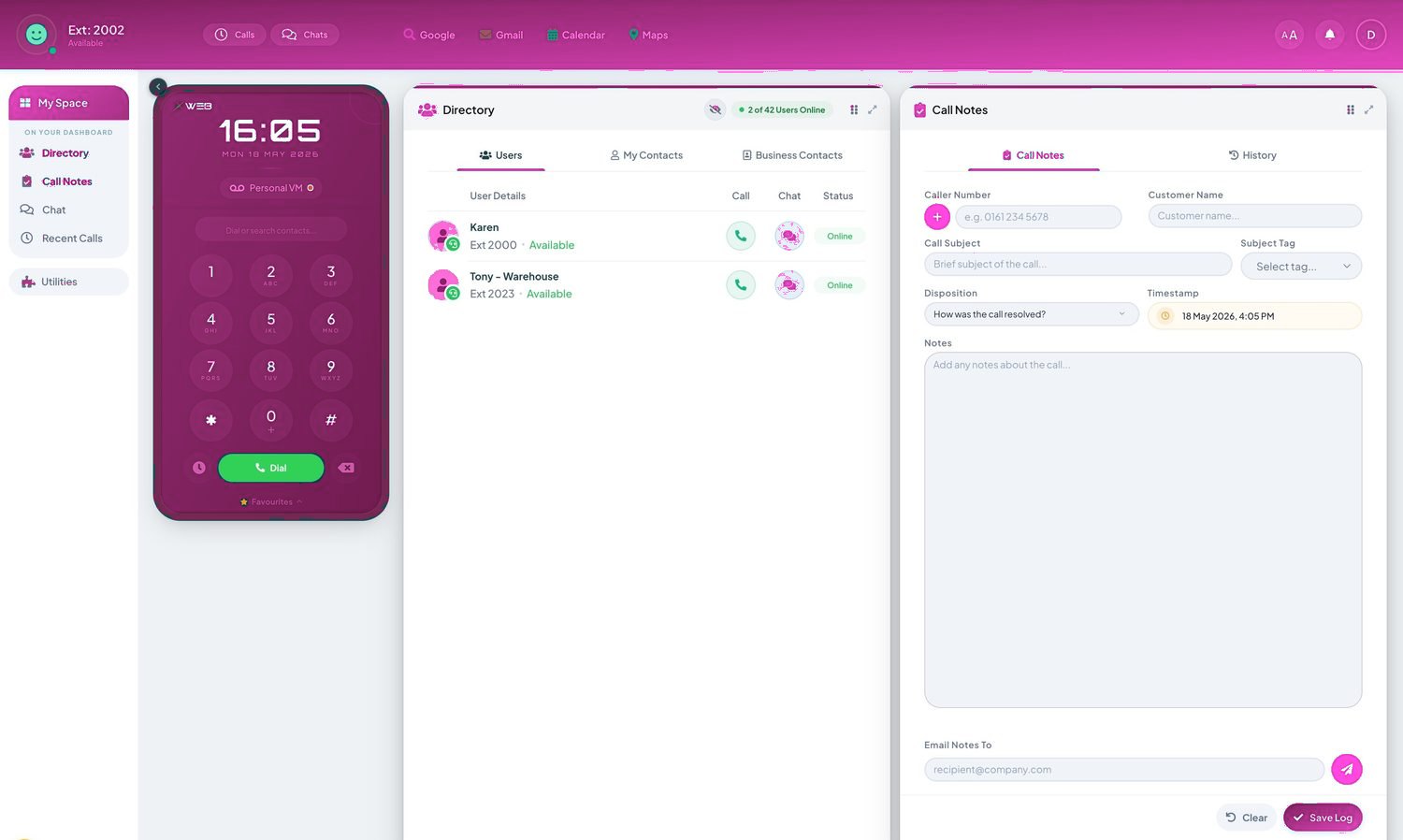
Related: Business Phone Systems (pillar) · All features · Buyer's guide · Get a quote
Every seat, fully loaded.
Frequently asked questions
Do we need new licences for full Teams calling?
Teams Phone licensing plus a calling route (Operator Connect or Direct Routing). We audit what your 365 plan already includes before you buy anything.
Can reception keep a normal handset if everyone else uses Teams?
Yes — mixed estates are standard. One number plan, transfers between both worlds, callers none the wiser.
Will our numbers work in Teams?
Yes — full UK porting into either calling route, handled by us end to end.