

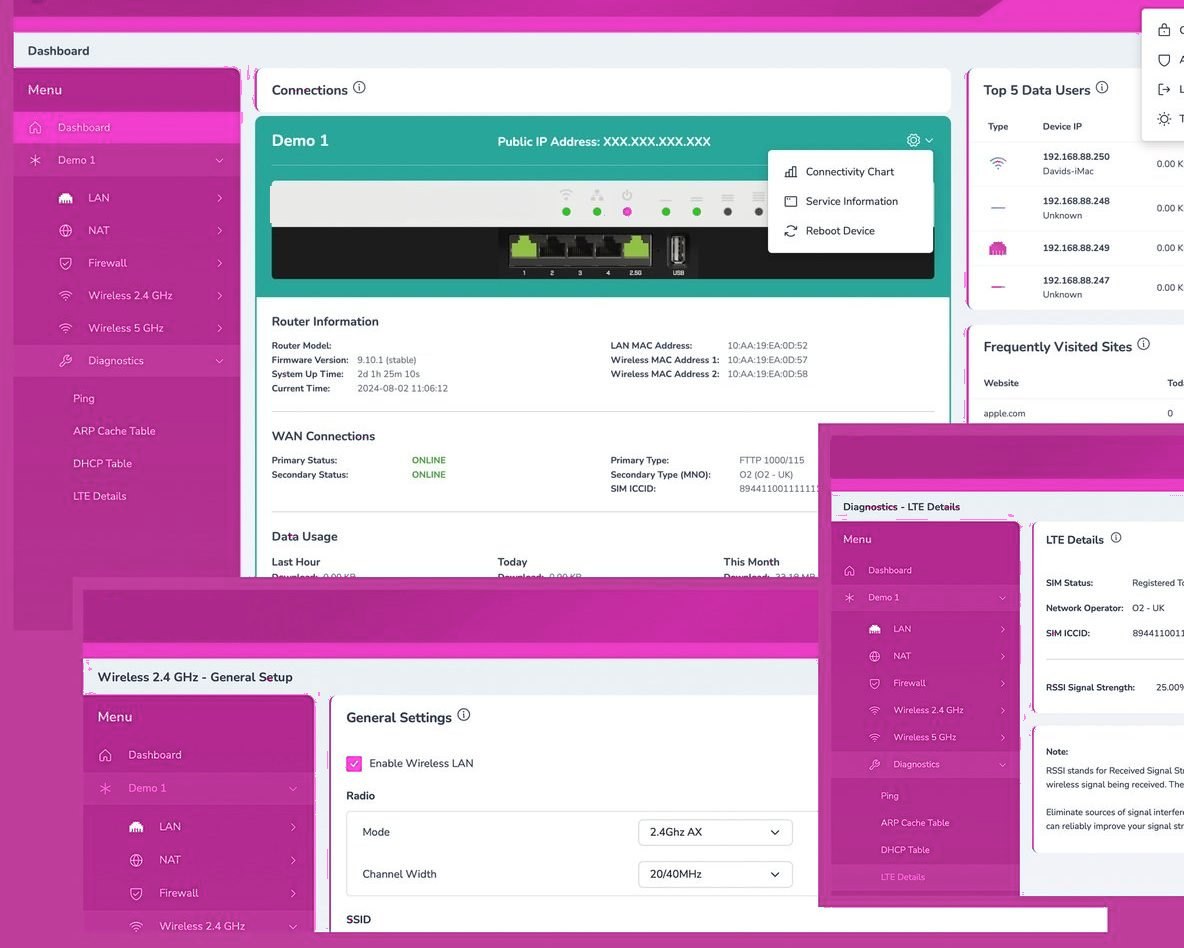
When the line fails, the SIM takes over.
The router carries two routes at once. Traffic uses the fibre; if that line drops, the 4G/5G route takes over automatically and the portal raises the alert, so phones, card machines and cloud apps carry on.
The backup SIM roams across the main UK networks, so it joins whichever signal is strongest at your address.
The usual suspects, in order
Repeated drops usually trace to one of four places. The line: a degrading copper joint, water in a duct — needs an engineer and persistence with the provider (we handle that fight for our clients). The router: ISP-issue boxes running years of uptime fail in exactly this intermittent, maddening way; a business-grade router is a cheap experiment that often ends the saga. The WiFi masquerading as 'the internet': if wired devices stay up while laptops drop, it's interference or coverage — a WiFi problem with a WiFi fix. Genuine exchange or network faults: rarer, but real — and diagnosable from router logs, which is where we start rather than guessing.
Make drops stop mattering: failover
Here's the strategic answer: even a perfect line fails sometimes — the digger doesn't care about your SLA. Automatic 4G/5G failover switches your connection to mobile within moments of a fault, so card machines keep taking payments and phones keep ringing while the line issue gets fixed in the background. For most businesses it costs less monthly than one lost hour. If your internet dropping means your business stops, failover isn't an upgrade — it's the missing piece of the original installation.
When the line drops, nothing else does.
- Multi-network SIM roams to the strongest signal
- Switch-over is automatic and monitored
- Phones, card machines and cloud apps stay live
Online, whatever happens.
Frequently asked questions
How do I prove it's the line and not our kit?
Router logs show disconnection events at the line level; we read them before blaming anything. If wired devices stay connected while WiFi drops, the line is innocent.
Can you take over a fault fight with our current provider?
When you move to us, yes — fault management becomes our job, with Openreach engineers booked and chased by people who do it daily.
How fast does failover kick in?
Seconds — automatic detection and switchover, then automatic switch-back when the line recovers. Most staff never notice either transition.