


Why the router upgrade never works
The pattern every office knows: WiFi is bad, someone buys a more expensive router, WiFi is still bad. That's because a single transmitter — however powerful — can't beat physics: walls eat signal, floors block it, and thirty devices contending for one access point produce the signature failure of office WiFi: full bars, nothing loading. Business WiFi is designed the other way round: a survey measures how signal actually behaves in your building, access points go where the measurements say, wired back to the network, and devices hand off between them invisibly. The kit matters less than the design — a surveyed mid-range deployment beats an unplanned expensive one every single time.
What a proper fix includes
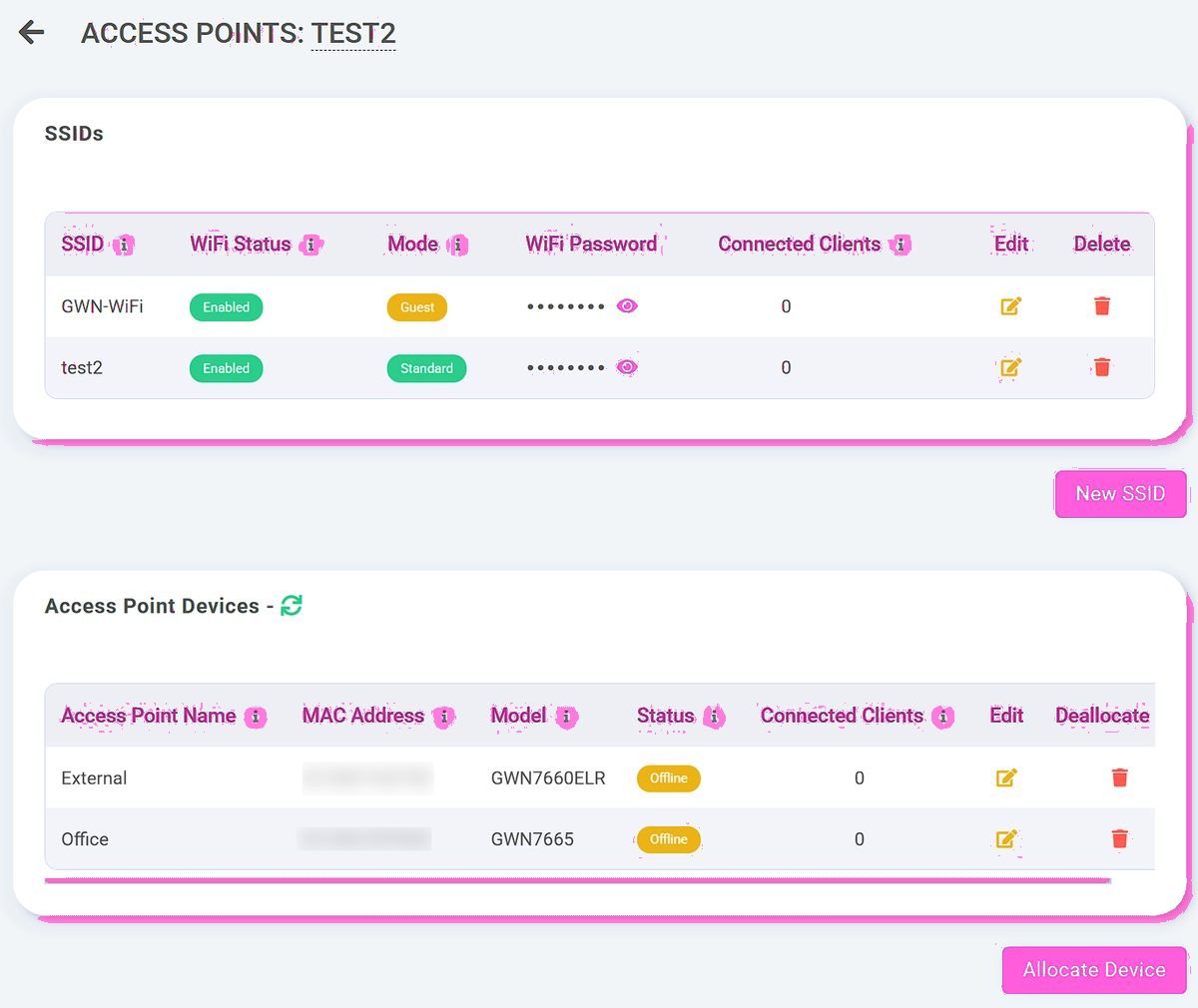
A business WiFi installation covers the whole footprint (yes, including that meeting room), separates traffic properly — staff, guests and card machines on their own networks, so a room full of visitors' phones can't touch payments — and gives you management you can actually use: see what's connected, change the guest password, add capacity. If you're customer-facing, the guest network should also work for a living: Telexico Connect turns sign-ins into a marketing list and reviews. The buyer's guide covers the questions to ask any installer — including us: the complete WiFi guide.
WiFi you never think about.
- Designed from a survey, not a guess
- Guest and staff networks kept apart
- Managed from the Telexico portal
WiFi designed, not hoped for.
Frequently asked questions
Why do I have full bars but nothing loads?
Signal strength isn't capacity — you're connected to an overloaded access point. It's the classic symptom of one router serving a building that needs several APs.
Do you survey before quoting?
Always — a WiFi quote without a survey is a guess with an invoice. The survey determines AP count and placement; the quote follows the engineering.
Can guest WiFi be kept away from our tills?
Yes, and it must be — separate networks for guests, staff and payments is non-negotiable in any install we do.