



From the first ring to the recording.
The same cloud phone system routes every call the way your business works, then keeps a record of it.
Why multi-site is where Teams shines
Multi-site businesses feel phone pain doubled: separate systems per branch, separate bills, no transfers between sites, head office blind. Teams Phone dissolves it: one tenant, every location inside. Each branch keeps its local number (customers dial Birmingham, Birmingham answers), calls transfer between sites like corridors, queues can overflow across locations when one team drowns, and a new site opens by adding users — no phone system procurement, ever again. Staff moving between branches take their extension in their pocket.
Making it elite: routing and visibility
The craft is in the details we configure: auto attendants per site with local greetings, groups that respect local teams but overflow regionally, out-of-hours that can route the whole estate to one duty person, and reporting cut per site — so head office sees Leicester's answer rate against Leeds' on one screen. Number strategy matters too: local presentation per branch, one national number where the brand wants it. Delivered via Operator Connect or Direct Routing depending on scale — the multi-site decision tree is exactly what our comparison covers.
Every seat, fully loaded.
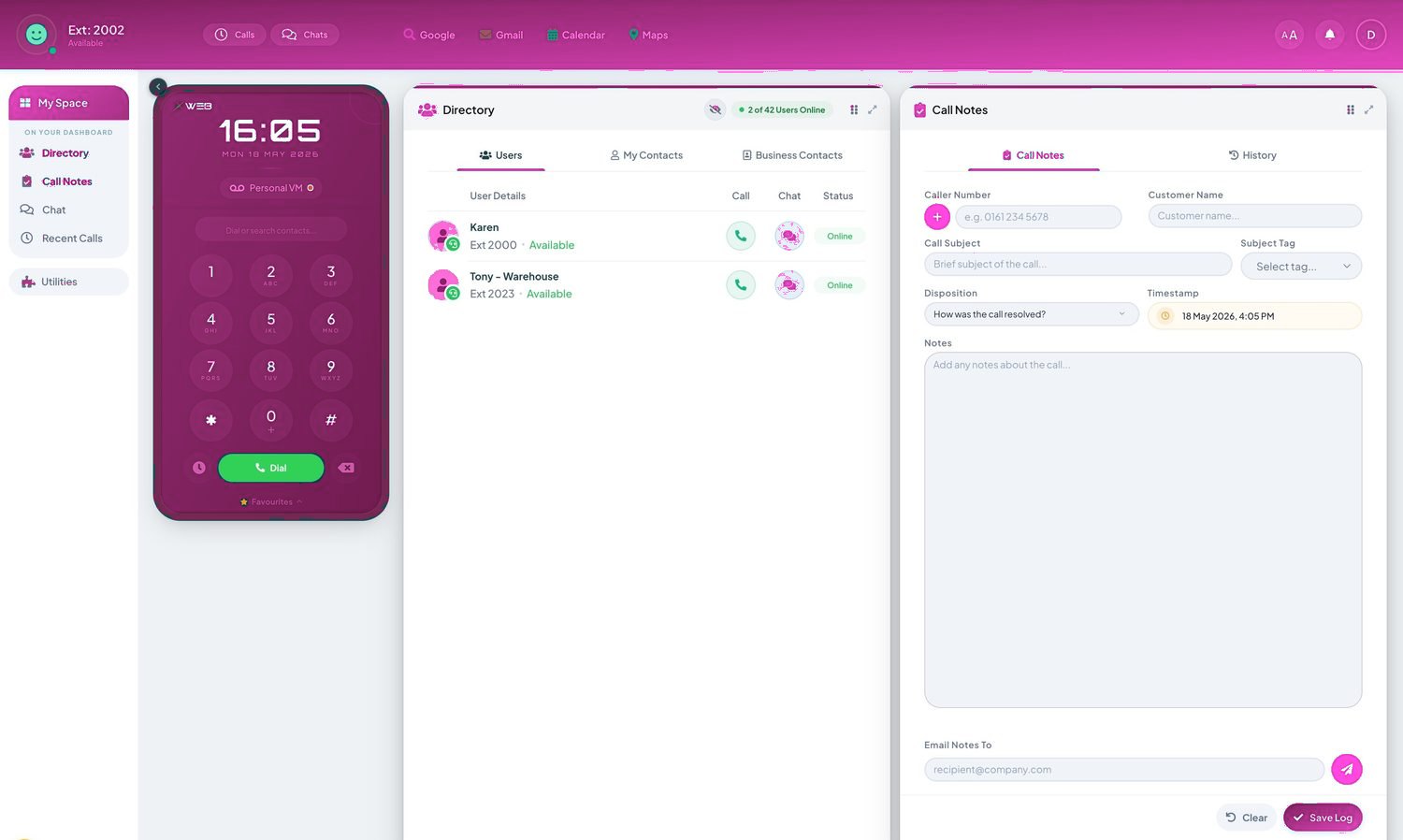
- Call recording, the Telexico Mobile App and Telexico Web UC included
- Handsets pre-provisioned and shipped ready to plug in
- Moves, adds and changes from the portal, no engineer visit
Related: Teams Phone (pillar) · Operator Connect · Direct Routing · Teams Phone cost
Every seat, fully loaded.
Frequently asked questions
Can each site keep its existing local number?
Yes — all port in and present per site. Customers notice nothing except calls getting answered better.
Can head office see per-site call performance?
Yes — reporting slices by site, queue and person. Most multi-site owners are surprised within the first week.
What happens when we open site five?
Licences and numbers, configured from the template in days. The phone system stops being part of the fit-out critical path.