Dead spots, dropouts and slow WiFi at work are fixable.
Most business WiFi problems are design problems, not equipment problems. Site survey, proper access point placement and business-grade kit usually deliver coverage that finally just works.


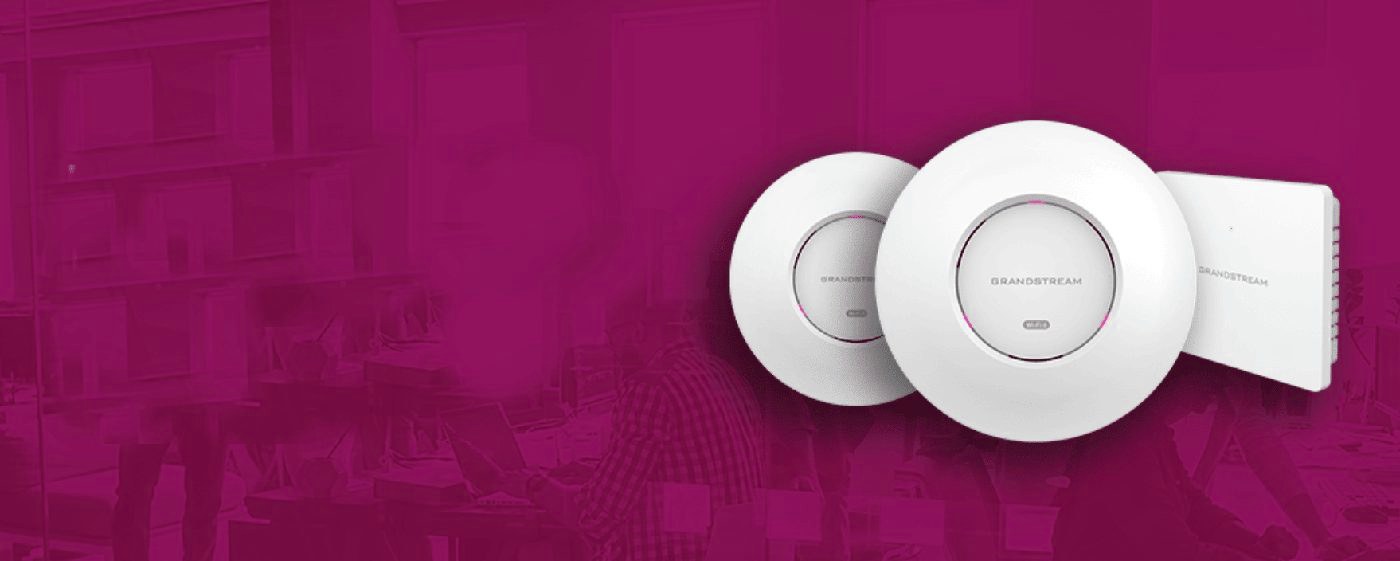
What we hear every week.
The frustrations behind why businesses search for poor business wifi coverage in the first place. If any of these feel familiar, the fix is straightforward.
Dead spots in conference rooms
The conference room where you do important video calls is the one room with no WiFi signal. Classic, and almost always a placement issue.
Drops walking between floors
WiFi cuts out on the stairs, in the kitchen, in the back office. Roaming between access points is supposed to be seamless and usually isn't with consumer kit.
Slow speeds with 20 people online
Single consumer router was fine for 5 people; with 20 staff plus guests plus IoT devices it can't cope. Need multiple access points and proper load balancing.
Guests on the same network as your servers
Most small business WiFi runs guests on the same network as staff and equipment. Security risk, performance hit, GDPR concerns.
Design first, kit second
Good business WiFi starts with a site survey — measuring signal strength, identifying interference sources, mapping where access points need to go for the spaces you actually use. Then comes proper design: how many access points, what spec, what placement, how they're wired back, how guests are segregated from staff, how IoT devices and payments fit. Then install with proper cable runs and PoE switching. Then central management and ongoing monitoring. Just buying more access points and plugging them in randomly is why most DIY business WiFi disappoints.
WiFi you never think about.
- Designed from a survey, not a guess
- Guest and staff networks kept apart
- Managed from the Telexico portal
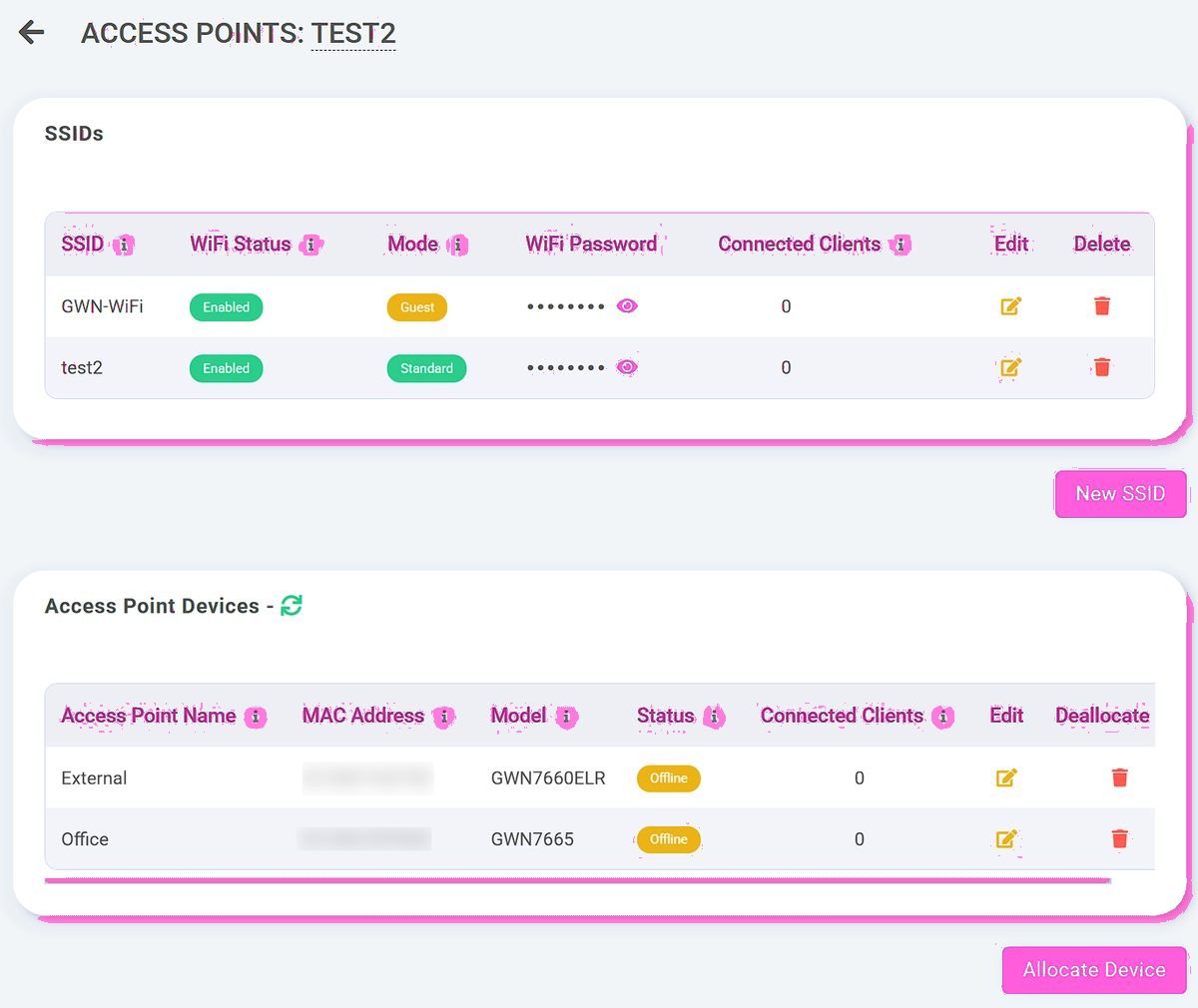
The Telexico approach to poor business wifi coverage.
Six things our customers consistently tell us matter.
Site survey first
Measure signal in every space, identify interference, design around your specific building before any kit goes in.
Business-grade access points
Ubiquiti UniFi, Cisco Meraki, Aruba — the kit professional networks actually use, not consumer extenders.
Seamless roaming
Move between floors and rooms while staying connected — handover between access points is invisible to users.
Properly segregated networks
Separate VLANs for staff, guests, payments, IoT — properly isolated and secured.
Central management dashboard
See every device, every access point, every bottleneck across all sites in one console.
UK install and support
Wolverhampton-based engineers for survey, install, configuration and ongoing break-fix.
Built for the building, not generic specs
Every building is different. A 1990s open-plan office, a Victorian conversion with thick brick walls, a multi-floor hotel, a metal-clad warehouse — each has different RF challenges and needs different access point placement, density and spec. Generic 'three access points should be enough' guesswork is why most business WiFi underperforms. Proper design starts with measuring the building.
How it works for businesses like yours.
Three real-world setups we deliver across the UK.
Multi-floor offices with dead spots
Open plan plus partitioned offices plus kitchens plus meeting rooms — designed properly with right access point count and placement, coverage just works.
Hotels with patchy guest WiFi
Guest complaints about WiFi are universal in hotels because designing for that many simultaneous users in that many rooms is harder than consumer kit handles.
Retail and hospitality high-density
100+ guest devices on a Saturday night plus staff plus tills plus card payments. Density-tuned access points and proper load balancing are the fix.
Why UK businesses pick Telexico for WiFi fixes
Site survey first, install second. We don't quote until we've seen the building (or detailed plans plus photos for remote surveys). Generic specs cost more in the long run because they get the placement wrong and need redoing. Proper design done once is cheaper and works better than three rounds of consumer-kit DIY.
What you actually get from Telexico.
Honest about scope. No aggressive sales tactics, no surprise renewal jumps, no tier-1 call-centre triage. Real UK engineers, transparent pricing, one provider relationship across the stack.
UK-based provider
Wolverhampton-headquartered. Engineers cover the West Midlands daily; UK-wide install via our partner network. Real UK engineer support, UK data residency, UK contractual relationship — not US-routed SaaS.
Real engineer support
When you call Telexico, you reach someone who can actually fix things. Response SLA backed by real engineering capacity rather than call-centre headcount. Named account manager for ongoing customers.
Free infrastructure review
Every engagement starts with a no-obligation audit of your current setup. Honest recommendation — sometimes that's "stay with your current provider after negotiation." We'd rather be honest than oversell.
Transparent pricing
What you sign for is what you pay — including renewal. No teaser pricing that jumps 30-100% at year two. No mid-contract CPI shock. Predictable multi-year cost from day one.
One provider, one platform
Broadband, hosted VoIP, business WiFi, AI Receptionist, 4G/5G failover, CCTV consolidated onto one Telexico relationship. Single bill, single support number, single engineer when something needs attention.
Migration project-managed
Switching to Telexico isn't DIY. We handle contract audit, notice timing, ordering, parallel running, cutover, old-provider close-out. Customer-visible disruption typically measured in minutes.
Tailored around your business.
Tell us what you have now and what's frustrating you. We'll come back with a tailored review of where we can simplify, consolidate or improve it — no fixed-package pressure, no hard sell.
You may also want to read
What is Starlink for business
Starlink Business is SpaceX's commercial-grade satellite internet service for businesses. It uses a constellation of...
Leased line vs full fibre
Full fibre (FTTP) and leased lines are both fibre-optic business connectivity, but they're fundamentally different...
Openreach vs CityFibre
Most UK business broadband is delivered over one of two main fibre networks: Openreach (BT-owned, the incumbent, covers...
Business Broadband cost
Indicative UK pricing for business broadband — what affects the price, ranges, and a free tailored review.
Leased Lines cost
Indicative UK pricing for leased lines — what affects the price, ranges, and a free tailored review.
Free infrastructure review
Send us your current setup. We'll review what you have, what you pay, and where we can simplify.
WiFi designed, not hoped for.
Frequently asked questions
How does a site survey work?
A Telexico engineer visits and walks every space you care about with signal-measurement kit. Maps current coverage, identifies interference sources (metal racking, brick walls, neighbouring WiFi, microwaves, cordless phones), then designs access point count, spec and placement to fix the issues. Usually half a day for small sites, full day for larger.
How many access points do I actually need?
Depends entirely on the building, user count and what they're doing. Rough rule for offices is one access point per 20-30 simultaneous users plus extras for high-density meeting rooms; hotels need one per 4-6 rooms; warehouses need site-survey-driven density. Generic answers are misleading; proper design isn't.
What's the difference between consumer and business WiFi kit?
Business kit is built for higher density (many devices simultaneously), seamless roaming between access points, proper VLAN segregation, central management, longer support lifecycles, and better performance under load. Consumer kit is fine for a flat with 4 people; it fails predictably in 20-person offices.
Can you fix WiFi without ripping out the existing kit?
Sometimes. Some existing access points can be re-used and supplemented; sometimes the existing kit is the cause of the problem and needs replacing. Site survey tells us. We won't sell you a full rip-and-replace if the existing kit is salvageable.
How is guest WiFi kept secure?
Different SSID (network name), different VLAN, properly isolated from staff network and from connected business devices. Captive portal for guest login with optional terms-of-use acceptance and optional email capture. GDPR-compliant by default; PCI-DSS-friendly if you take card payments on WiFi.
What about new buildings or refurbishments?
Best time to design WiFi is during refurbishment — cable runs and access point positions can be designed in, rather than retrofitted later. We work with architects and contractors on new-build commercial sites routinely.
Will it work on existing broadband?
WiFi is independent of broadband — WiFi is the local network, broadband is the connection upstream. Proper WiFi works fine on any business broadband; both are needed for the full picture and we typically deliver both.
Apply this to your business?
Reading the guide is one thing; applying it to your specific operation is another. Send us your current setup — we'll review what you have, what fits, and where to start. No hard sell, no fixed-package pressure.