The three legs hybrid stands on
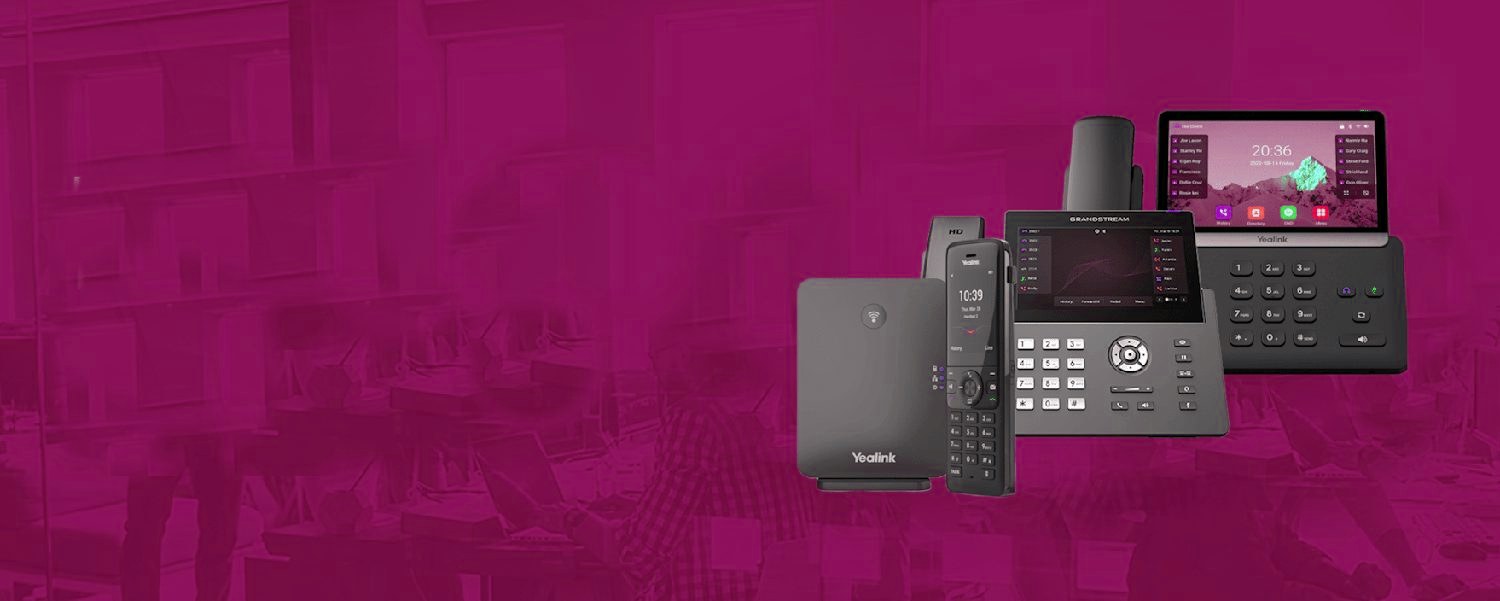
Hybrid fails in predictable ways: calls stranded at office desks, files trapped on office machines, and security designed for a building everyone left. The fix is three-legged. Communications: cloud telephony makes the business number ring the person — office, home, train — with Teams Phone folding calls into the tool hybrid teams live in anyway. Files and apps: Microsoft 365 done properly — SharePoint as the single source of truth, OneDrive syncing silently — ends the 'it's on my office PC' era. Security: the hard one, and the one most businesses skip.
Security for a business with no walls
When work happens everywhere, the office firewall protects a building people visit twice a week. Hybrid security follows the person instead: MFA on everything (non-negotiable — it's the control that makes a stolen password worthless in a coffee shop), managed and encrypted devices, secure access to anything internal (proper VPN or zero-trust, never remote desktop exposed to the internet — the single most common break-in we see), and email security tuned up, because home workers are phished harder. None of this is enterprise-exotic; it's the standard hybrid baseline, deployable in weeks, and vastly cheaper than the incident it prevents.
Every seat, fully loaded.
Frequently asked questions
What's the minimum secure hybrid setup?
MFA everywhere, managed devices, secure remote access and email security. That baseline stops the attacks that actually hit hybrid businesses — and it deploys in weeks, not months.
Do home workers need business broadband at home?
Usually not — cloud tools are efficient over decent home connections. For calls, a headset matters more than bandwidth; for the rare heavy-workload role, we'll advise case by case.
Can managers see calls and availability across a hybrid team?
Yes — presence, answered and missed calls across everyone, wherever they sit. The visibility that vanished when the office emptied comes back through the platform.