Hotel guest wifi — the typical project shape.
What a Telexico hotel guest wifi project actually involves. Illustrative of independent hotel deployments across the UK — coverage design, captive portal, in-room versus corridor APs, PMS integration where applicable.


Why guest wifi is a constant pain in UK hotels
Hotel guest wifi expectation has shifted enormously — guests in 2026 expect strong, reliable wifi in every room and public area, with branded captive portal and no friction. The typical pre-upgrade situation we see: weak wifi in distant rooms, captive portal that asks for everything, performance contention with the booking system and staff devices, no proper VLAN segregation.
Dead zones in distant rooms
Hotels with period architecture (thick walls, fire doors, multi-floor layouts) typically have wifi dead zones in 20-30% of rooms with the existing setup. Guests complain on TripAdvisor; staff field constant front-desk calls.
Captive portal asking for everything
Off-the-shelf captive portals demand full personal details before granting access. Guests bounce; data capture rate stays low; experience starts badly before the guest is even checked in.
Guest wifi sharing the staff network
Cheap router setups put guest traffic on the same network as PMS, accounts, and CCTV. Security risk plus performance contention during busy check-in hours.
No PMS integration for room-based auth
Guests asked for wifi password at check-in; staff repeat it forever; password posted on bedside cards. Modern hotel wifi authenticates via PMS using room number and surname.
WiFi you never think about.
- Designed from a survey, not a guess
- Guest and staff networks kept apart
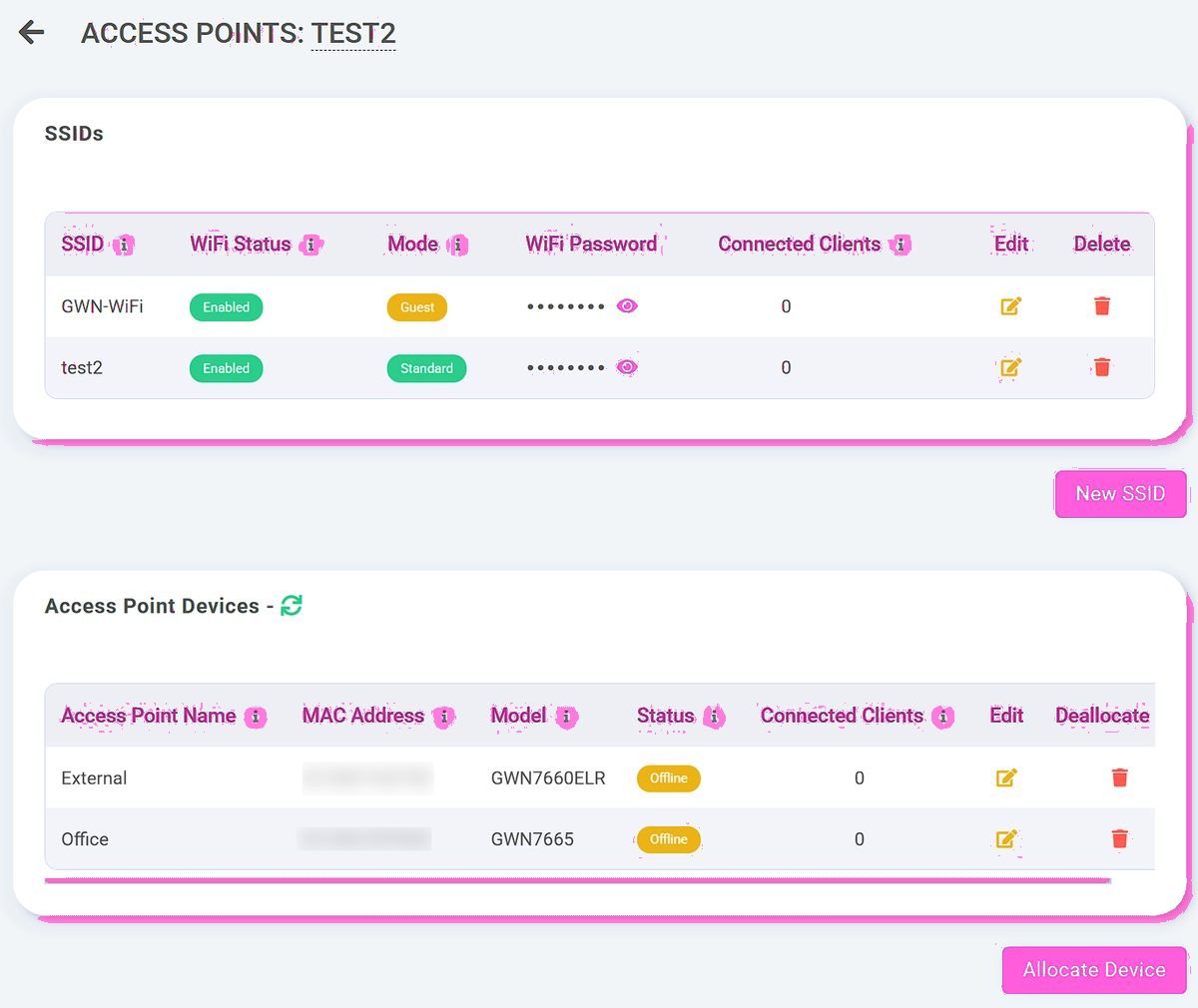
- Managed from the Telexico portal
How Telexico designs hotel guest wifi
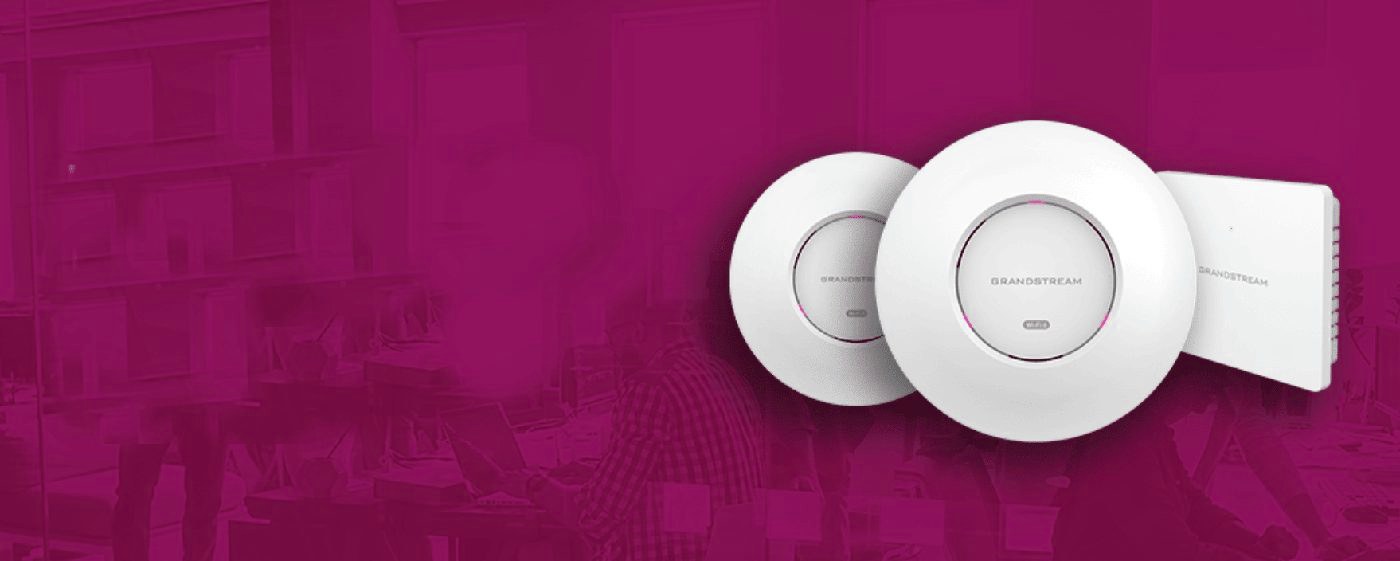
Hotel guest wifi is fundamentally a coverage problem first, captive portal second. The design starts with floor plans, building materials documented, AP placement modelled per floor and room layout. Typical decision: in-room APs (one per 2-3 rooms via wall-plate mount) for premium properties; corridor APs (one per 4-6 rooms) for standard. Layered with: branded captive portal with GDPR-compliant capture, PMS integration where the property uses a supported PMS, VLAN segregation from staff systems, and managed monitoring. Designed around the specific property's room count, layout, and customer-experience priority.
How the deployment ran.
Hotel installs are typically phased — public areas first, then guest rooms by wing or floor. Cabling runs through risers and corridor void; AP mounting coordinated with housekeeping to minimise disruption.
Week 1-2 — Survey and design
Floor plans reviewed, on-site walk-through, building materials documented, PMS confirmed, captive portal branded around hotel identity. AP count and placement specified. Design documented.
Week 3-5 — Cable runs and rough-in
CAT6 cable runs from each AP location to switch room; coordinated with housekeeping to access rooms during low-occupancy windows. Often runs through corridor risers.
Week 5-6 — AP install and config
APs mounted at planned positions; configured via central controller; captive portal tested; PMS integration tested; guest experience validated. Hotel goes live in phases per wing/floor.
What changes for guests and operations
The change is visible in front-desk traffic and review scores. Wifi complaints drop sharply. Captive portal converts higher because it asks less. PMS-integrated authentication removes the password-on-bedside-card friction. Staff stop fielding wifi questions; reception focuses on guest service.
Consistent coverage room-to-room
Properly designed AP coverage delivers reliable wifi in every room and public area. Dead zones eliminated; TripAdvisor wifi complaints typically drop from frequent to rare.
PMS integration removes friction
Guest joins wifi network; captive portal asks for room number and surname; PMS lookup grants access for the duration of the stay. No password handover; no bedside cards; no front-desk calls.
GDPR-compliant marketing capture
Branded captive portal captures opt-in email for marketing where the guest chooses. Hotels building real first-party marketing lists where previously they relied on OTAs for guest contact.
The technical configuration
Standard hotel stack: managed Openreach FTTP or leased line as primary; 5G or secondary fibre failover for guest-experience continuity; managed switching with PoE for APs; VLAN segregation (Staff, Guest, PMS, Telephony, IoT, CCTV); 1 AP per 2-6 rooms depending on tier; Ubiquiti UniFi or Aruba APs depending on building scale; branded captive portal with PMS integration (Mews, Cloudbeds, Opera, Guestline supported); hosted VoIP for reception and rooms where applicable. 24/7 Telexico NOC monitoring.
What you actually get from Telexico.
Honest about scope. No aggressive sales tactics, no surprise renewal jumps, no tier-1 call-centre triage. Real UK engineers, transparent pricing, one provider relationship across the stack.
UK-based provider
Wolverhampton-headquartered. Engineers cover the West Midlands daily; UK-wide install via our partner network. Real UK engineer support, UK data residency, UK contractual relationship — not US-routed SaaS.
Real engineer support
When you call Telexico, you reach someone who can actually fix things. Response SLA backed by real engineering capacity rather than call-centre headcount. Named account manager for ongoing customers.
Free infrastructure review
Every engagement starts with a no-obligation audit of your current setup. Honest recommendation — sometimes that's "stay with your current provider after negotiation." We'd rather be honest than oversell.
Transparent pricing
What you sign for is what you pay — including renewal. No teaser pricing that jumps 30-100% at year two. No mid-contract CPI shock. Predictable multi-year cost from day one.
One provider, one platform
Broadband, hosted VoIP, business WiFi, AI Receptionist, 4G/5G failover, CCTV consolidated onto one Telexico relationship. Single bill, single support number, single engineer when something needs attention.
Migration project-managed
Switching to Telexico isn't DIY. We handle contract audit, notice timing, ordering, parallel running, cutover, old-provider close-out. Customer-visible disruption typically measured in minutes.
Want a similar review for your business?
Tell us what you have now and what's frustrating you. We'll come back with a tailored review of where we can simplify, consolidate or improve it — no fixed-package pressure, no hard sell.
You may also want to read
Restaurant connectivity upgrade
What a Telexico restaurant connectivity upgrade actually involves — from initial site survey through cutover to ongoing...
Warehouse network upgrade
What a Telexico warehouse network project actually involves. Illustrative of UK light-industrial deployments —...
Garage AI receptionist deployment
What a Telexico garage AI receptionist project actually involves. Illustrative of independent garage and MOT centre...
What is Starlink for business
Starlink Business is SpaceX's commercial-grade satellite internet service for businesses. It uses a constellation of...
Leased line vs full fibre
Full fibre (FTTP) and leased lines are both fibre-optic business connectivity, but they're fundamentally different...
Free infrastructure review
Send us your current setup. We'll review what you have, what you pay, and where we can simplify.
WiFi designed, not hoped for.
Frequently asked questions
How long does a full hotel wifi install take?
4-10 weeks depending on property scale and complexity. Smaller boutique hotels (10-30 rooms): 4-6 weeks. Larger properties (50-150 rooms): 6-10 weeks. Multi-property groups: typically phased over months with each property running 4-8 weeks.
Do guest rooms need disruption during install?
AP mounting in each room needs typically 20-30 minutes per room — usually scheduled during housekeeping turnover so it doesn't affect occupied rooms. Hotels we work with typically don't take any rooms out of service during install.
What does hotel guest wifi cost to deploy?
Variable. Boutique hotel (15-30 rooms): typically £8k-25k install + £200-500/month ongoing managed. Larger property (60-120 rooms): £25k-80k install + £500-1,200/month. Costs scale with AP count, cabling complexity, and PMS integration depth. Real quotes after site survey.
Does PMS integration require my existing PMS to support it?
Yes — but most major UK hotel PMS platforms (Mews, Cloudbeds, Opera, Guestline, RoomMaster, Reservit) have wifi authentication APIs we integrate with. Some smaller niche PMS systems don't; we'd implement a captive portal with manual passcode generation in those cases.
How is guest wifi separated from staff systems?
VLAN segregation as standard. Guest VLAN sits on its own logical network; staff devices, PMS, accounts, CCTV all on separate VLANs. Guest devices can't see or reach any staff system. Standard architecture for any properly designed hotel network.
What about wifi in unusual spaces — function rooms, courtyards, basements?
Modelled during site survey. Outdoor APs (IP67-rated) for courtyards and gardens; high-power APs for function rooms with peak event density; basement coverage via additional APs where needed. Property-specific design rather than generic template.
Is the wifi managed ongoing or one-off install?
Most hotels choose ongoing managed service. Telexico monitors AP health, applies firmware updates, responds to incidents, handles eventual hardware refresh on the agreed cycle. One-off install possible but operational ownership reverts to the hotel which is rarely the preferred model.
Want a similar review for your business?
This is the typical project shape Telexico runs. Send us your current setup and what's frustrating you — we'll review what you have today and tailor a project that fits. No hard sell, no fixed-package pressure.